
WordPress Assistance: How to Get Help With Your Site Without Hiring Anyone
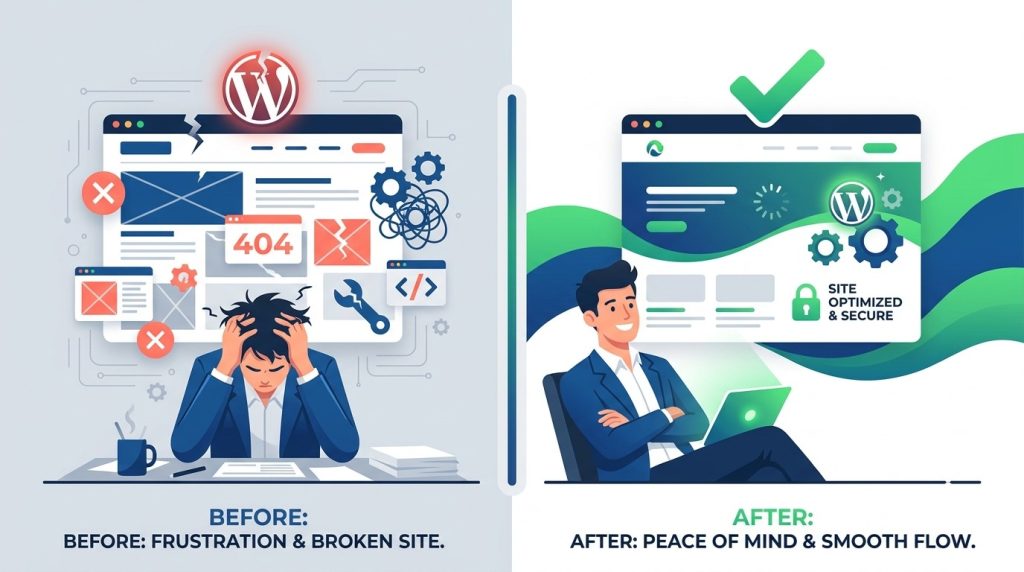
WordPress assistance is on-demand help for the WordPress site running your business. Bug fixes, design changes, page builds, plugin issues, malware cleanup. Instead of hiring a developer, you subscribe to a team that picks up your tasks and ships them. (Weighing the alternative? Here’s how to hire a WordPress developer, and when you shouldn’t.) Most providers turn things around within 24 hours.
Most small business owners get this wrong. They Google “wordpress assistance,” compare a few wordpress maintenance plans, and pick one based on price.
A month later they’re back on Google. What they actually needed wasn’t maintenance.
Three usual ways small business owners get WordPress help
Each one quietly costs more than it looks.
Hire a freelancer. $50 to $150 an hour. You message them about a broken contact form on a Tuesday. They reply Thursday. The fix lands Sunday. Next month a different issue comes up and they’re “swamped.” The relationship dies in three months. You find a new freelancer who asks for two weeks to “get familiar with the site.”
Hire in-house. A WordPress developer in the US runs $60,000 to $80,000 a year. Add benefits and overhead and you’re at $78,000 to $104,000. Hiring takes two to three months. For a small business with one WordPress site, the math is absurd before you even open the job posting.
Do it yourself. Free in cash, expensive in hours. You spend Saturday afternoon on a plugin conflict. You break the homepage. You restore from a backup that turns out to be three weeks old. You lose customers who tried to buy something while the site was down.
Most owners end up in the first category. Freelancers. The recurring problem isn’t skill. Most freelancers are perfectly capable. The problem is they’re not on retainer. Every task is a fresh negotiation.
What WordPress assistance actually means in 2026
A subscription where someone is already on it.
You pay a flat monthly fee. You get a dashboard. You add a task (“the checkout button is white on white, can you fix it” or “I need a landing page for our spring campaign” or “the site is down”) and someone picks it up. Usually within 6 hours on weekdays. Usually finished within 24.
No hourly clock. No quoting. No “let me check my calendar.” Work is queued, claimed, done.
Whether it’s the right wordpress help for you depends on volume, not technicality. If you have three to five small things a month that need doing on your site, a subscription is cheaper than freelancing them out and faster than DIY. If you have zero, you don’t need one.
What’s usually included (and what isn’t)
A real wordpress assistance plan covers more than maintenance. (For how this compares with the other names providers use, see WordPress support plans explained.) (See task examples)
Things you can send in:
- Theme fixes and customization
- Plugin conflicts, errors, and updates
- Speed optimization
- Malware and virus removal
- On-page SEO adjustments
- Design changes and small redesigns
- Converting Figma or PSD designs to working pages
- WooCommerce and Shopify tweaks
- New landing pages
- Form fixes and integrations
What’s not included is the heavy strategic work. Building a new site from scratch. Writing your content strategy. Designing your brand from zero. Those are projects, not tasks.
If you can describe what needs doing in two sentences, it’s a task. If you can’t, it’s a project.
The WP Relieve version of this
Full disclosure. This is our angle.
We started WP Relieve because we kept watching small business owners hire a freelancer, lose a freelancer, hire another, lose another. The visible cost was $60 an hour. The real cost was three weeks of downtime every time the relationship broke and they had to find someone new.
So we built the subscription version. One flat fee. Most tasks finished within 24 hours. Six-hour response on weekdays. Cancel anytime. No contracts.
The base Website Help plan is $1,764 a year. Compare that to $78,000 to $104,000 for a developer hire. For most small businesses, the math is closed. (Plans and pricing)
We handle WordPress, Shopify, Squarespace, and custom sites, so if your business runs on WordPress now and migrates to Shopify in two years, you don’t switch providers. (Monthly maintenance)
When you don’t need wordpress assistance
Skip the subscription if any of these are true:
- Your site genuinely never breaks and never changes. (If this is real, you’re a unicorn. Most small business sites need adjustments at least monthly.)
- You already have an in-house team handling the site full-time.
- Your only need is one-off and huge. A full rebuild. You want a project agency, not a subscription.
- You’re comfortable with downtime. If a broken contact form for a week doesn’t cost you anything, you don’t need 24-hour turnarounds.
If none of those fit, assistance pays for itself in two tasks.
How to choose a wordpress assistance provider
Three questions worth asking.
1. What’s the actual turnaround? Some plans say “24 hours” and mean business days. Some mean calendar days. Some have queues that stretch to a week in busy periods. Ask for the median, not the average.
2. What’s included beyond maintenance? A lot of plans call themselves “wordpress assistance” but only cover automated stuff. Updates, backups, security scans, uptime monitoring. That’s wordpress maintenance. If you can’t send in a “please redesign this page” task, the plan isn’t doing what the name says.
3. Can you cancel? Some lock you into annual contracts. The whole point of a subscription is the option to leave.
(Free website performance review)
Frequently asked questions
What’s the difference between wordpress maintenance and wordpress assistance?
Maintenance is the automatic stuff: updates, backups, security scans, uptime monitoring. Assistance is everything else: fixing bugs you report, making design changes, adding pages, handling plugin issues. Most small business owners need both, though the assistance side is what they end up using more.
How much does wordpress assistance cost?
Quality plans run between $200 and $600 a month for unlimited tasks. WP Relieve’s entry plan is $147 a month. Cheaper “support” plans tend to be maintenance-only, which is why most owners outgrow them quickly.
Do I still need a developer if I have a wordpress assistance plan?
For most small businesses, no. A subscription handles the recurring task volume that would otherwise justify a part-time developer. If you’re a SaaS company with custom infrastructure or a high-traffic site, hire. If you run a service business or e-commerce store on WordPress, assistance is enough.
What if my site is on Shopify or Squarespace, not WordPress?
Some providers handle multiple platforms. We handle WordPress, Shopify, Squarespace, and custom builds. If your business might move platforms in the future, this matters.
How fast is “fast” really?
Six-hour weekday response is what we promise. Most tasks finish within 24 hours. Genuinely urgent things, like a downed site or broken checkout, get pulled to the front of the queue.
Start small
If you’re not sure whether assistance pays off, try it for a month. Send the three things on your site that have been bugging you. See if they get done. See if it felt faster than calling a freelancer.
The math on paper always looks good for a subscription. The math in practice depends on whether you actually use it.