
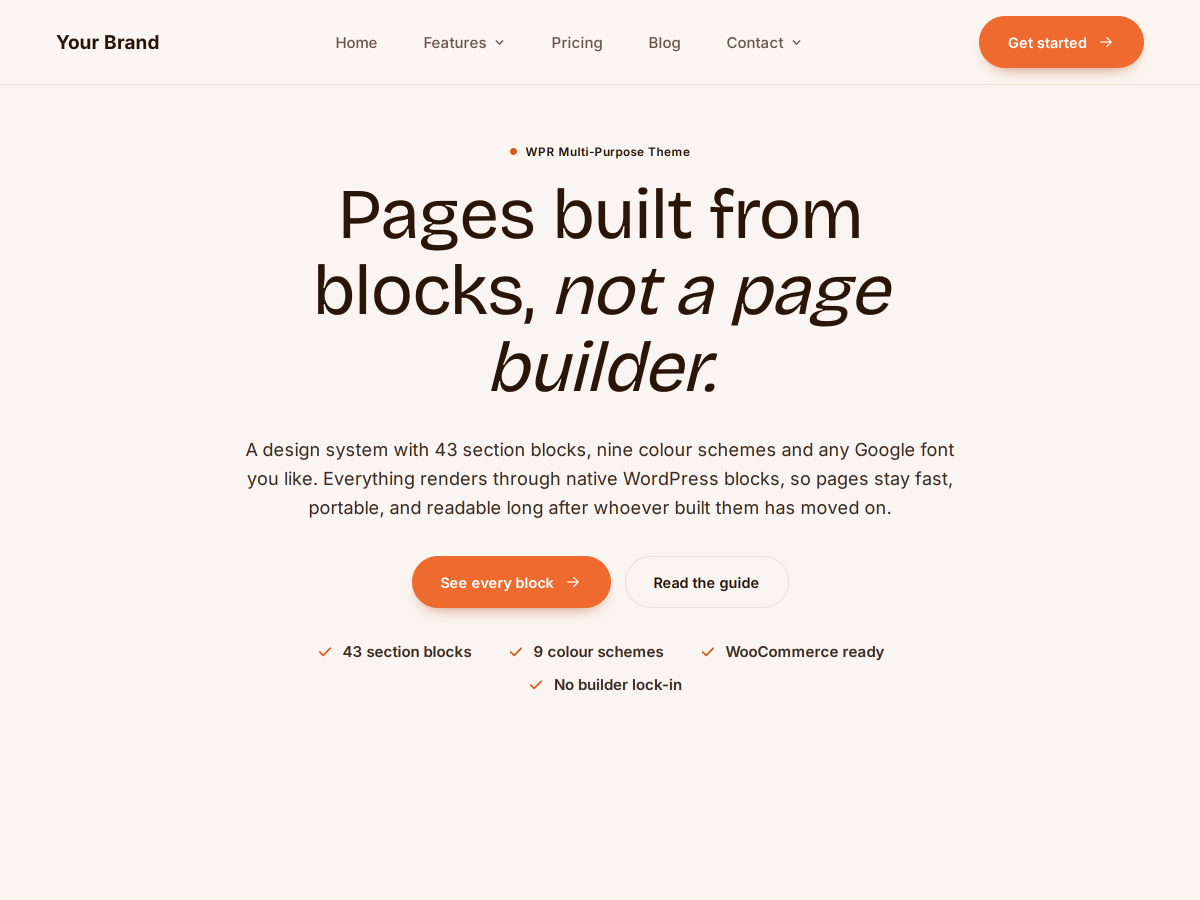
A multipurpose WordPress theme with no page builder in it.
Forty-three blocks in the editor WordPress already has. Fifteen colour schemes, 1,942 Google fonts, WooCommerce styling, updates that install themselves. This site runs it.
Real numbers, not adjectives.
Everything a builder does, in blocks that stay.
Page builders store your layout in their own format. When the builder goes, the layout goes with it. These blocks are plain WordPress.
Native blocks, no lock-in
Heroes, pricing tables, FAQs, comparisons, forms — 43 blocks that live in the standard editor. No shortcodes anywhere, so a theme switch never spills raw code into your pages.
A Customizer that goes deep
Fourteen colour tokens with a live contrast readout, any Google font with only real weights downloaded, seven animation types, and layout control down to corner radius.
Updates you never manage
Releases appear in Dashboard → Updates on their own. Every download is verified against a published checksum before WordPress unpacks a single byte.
What a multipurpose WordPress theme should actually give you.
Multipurpose usually means a page builder bolted on and a demo importer that never quite matches the screenshots. This one takes the other route: everything ships as native blocks, and the editor you already know is the only editor there is.
The site you are reading runs it.
Every page in this section is ordinary block content in the standard editor — this page included. WooCommerce styling, the animations, the author bylines: all of it is the theme doing its job in production.
Where to go next.
How it works
The reasoning behind building without a page builder, and the full list of 43 blocks with what each one does.
How it compares
Honest comparisons against Astra and Kadence, plus what changes if you are moving off Divi or Elementor.
Agencies and licensing
How it works white-label across client sites, the GPL-2.0 licence in plain terms, and the documentation if you want to read before installing.
Every page written about this theme.
Guides, comparisons and reference, grouped by what you are trying to do.
Start here
Download · Getting started · Documentation
Install, activate, and have a first page live in about ten minutes.
What it does
Features · No page builder · The 43 blocks
Blocks with their own pages: Hero · FAQ accordion · Pricing plans · Testimonials · Comparison table · Form.
Compared with other themes
All comparisons · Astra · Kadence
Where each one is the better answer, including where this one is not.
Leaving a page builder
All alternatives · Divi · Elementor
What survives the switch, and what you have to rebuild.
Who it is for
Use cases · For agencies
Built from maintaining other people’s sites, so it suits people who do the same.
Reference
Customizer settings · Patterns · Updates · Blocks index · Changelog · Licence · All themes · All documentation.
Try it on one site.
Install it, open the editor, add a pattern. If it is a fit you will know in ten minutes.